
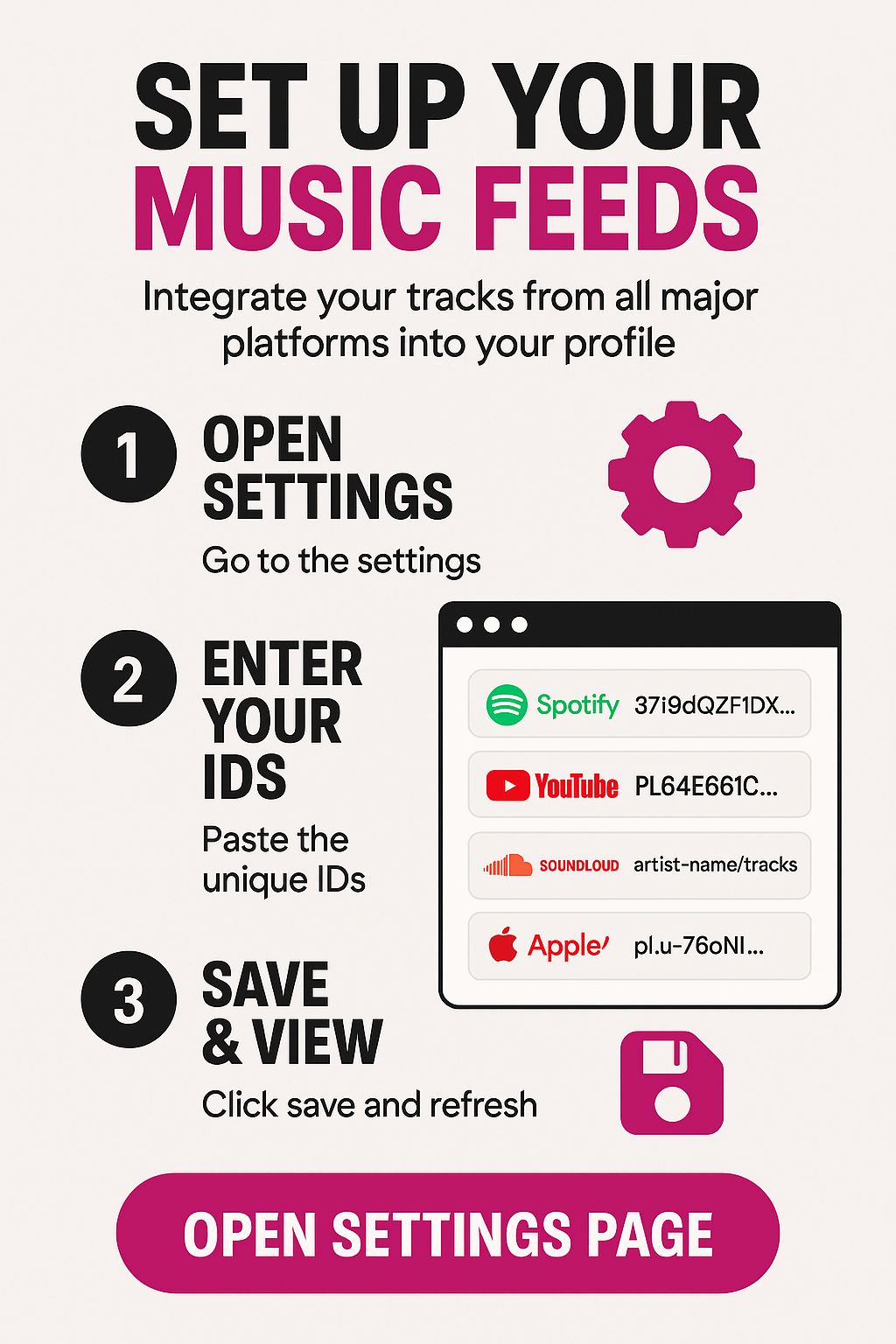
SET UP YOUR MUSIC FEEDS
Integrate your tracks from all major platforms into your MusiQloud profile.
1
OPEN SETTINGS
Go to your MediaMix Settings and click on the Profile or Custom Media tab to find the music integration fields.
2
ENTER YOUR IDS
Paste the unique ID (the code part of the URL) into the corresponding fields. Do not paste the full link!
Spotify
37i9dQZF1DX...YouTube
PL64E661C...SoundCloud
artist-name/tracksApple Music
pl.u-76oNl...3
SAVE & VIEW
Hit Save Changes and refresh your profile. Your music will now be available in the Media Hub widget!

 English
 French
 Spanish
 Portuguese
 Deutsch
 Turkish
 Dutch
Dutch
 Italiano
 Russian
 Romaian
 Portuguese (Brazil)
 Greek
Greek