


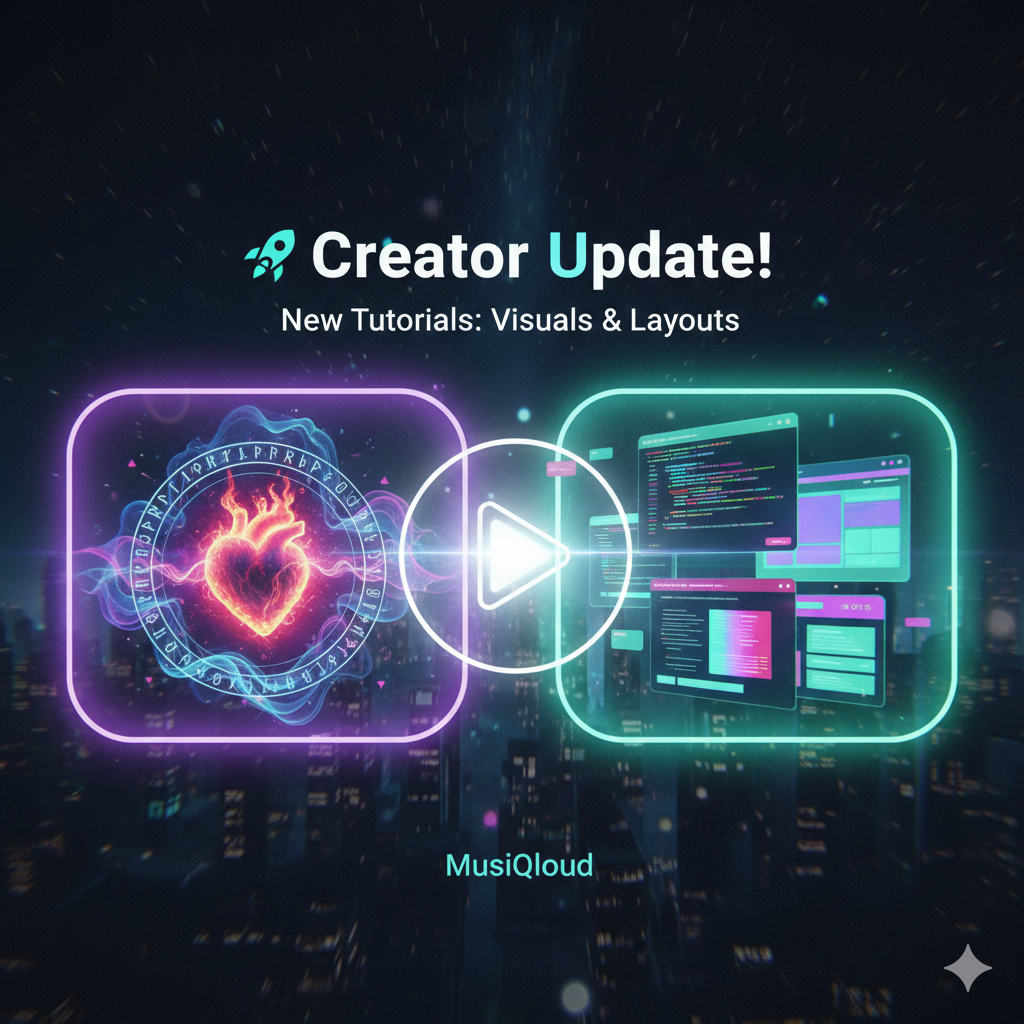
🤖 AI Layout Masterclass
Design Pro Forum Posts with Gemini
Ever wondered how some posts on MusiQloud look like professional websites? You don't need to be a coder! You can use Gemini AI as your personal web designer. Here is how to do it.
💬 Step 1: The "Visual" Prompt
Don't just ask for text. Ask Gemini to wrap your content in HTML.
Try this prompt: "Gemini, write a forum post about [Your Topic] and format it using professional HTML with colored sections, rounded corners, and subtle shadows."
🎨 Step 2: Customizing Colors
Want a specific vibe? Tell Gemini which colors to use.
Example: "Use a dark-mode theme with neon purple accents" or "Use soft pastel blues and pinks for a dreamy aesthetic."
📋 Step 3: Copy & Paste
Once Gemini gives you the code:
- Copy the code block.
- In the MusiQloud forum editor, look for the "Extra" tab and click "Source code".
- Paste the code and hit "Save" or "Preview".
Make your knowledge shine! ✨
Professional layouts lead to higher engagement. Give it a try in your next post!

 English
 Arabic
 French
 Spanish
 Portuguese
 Deutsch
 Turkish
 Dutch
Dutch
 Italiano
 Russian
 Portuguese (Brazil)
 Greek
Greek