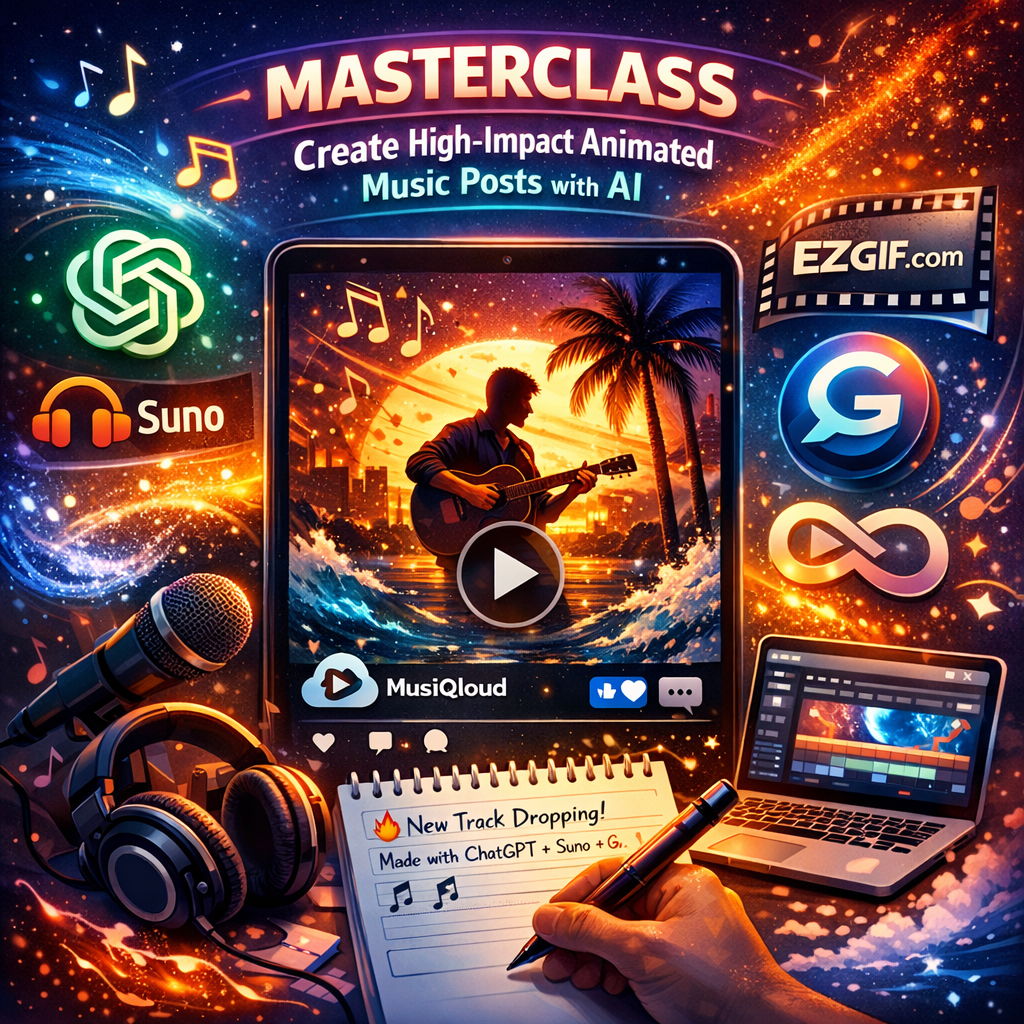
🚀 Masterclass
Create High-Impact Animated Music Posts
In the fast-paced world of social media, you have about 1.5 seconds to grab attention. A static image is no longer enough. To make your music stand out, you need visual movement. This guide shows you exactly how to do it.
💡 Step 1: Concept & Prompting
Start with a strong theme. Use your lyrics or the "vibe" of your track to generate a concept.
Pro Tip: Ask ChatGPT to summarize your song's mood into a Visual Prompt for better consistency.
🎨 Step 2: Generate the "Hero" Visual
Use an AI generator like Grok or Midjourney to create your visual.
The Animation: Look for "Image-to-Video" features. Subtle movements like drifting smoke, glowing embers, or moving water create a hypnotic effect that keeps people watching without distracting from the music.
🎞️ Step 3: Optimize with EZGIF
Social platforms love loops. Use EZGIF.com to convert your video into a high-quality GIF:
- Infinite Loop: Ensure this is checked so the movement never stops.
- Lightweight: Optimize the file size (stay under 5MB) so it loads instantly on mobile devices.
✍️ Step 4: The Winning Caption
Structure your post for maximum conversion:
- The Hook: A punchy first line that creates curiosity.
- The Story: Mention your AI workflow (Suno, ChatGPT, etc.) to engage tech enthusiasts.
- The CTA: A direct link to your MusiQloud Group or Track.
Ready to show your magic? 🔥
Post your latest animated visuals below. Let’s help each other grow the MusiQloud community!

 Arabic
 French
 Spanish
 Portuguese
 Deutsch
 Turkish
 Dutch
Dutch
 Italiano
 Russian
 Romaian
 Portuguese (Brazil)
 Greek
Greek