MusiQloud: Always Within Reach!
Website + App = The Perfect PWA Solution
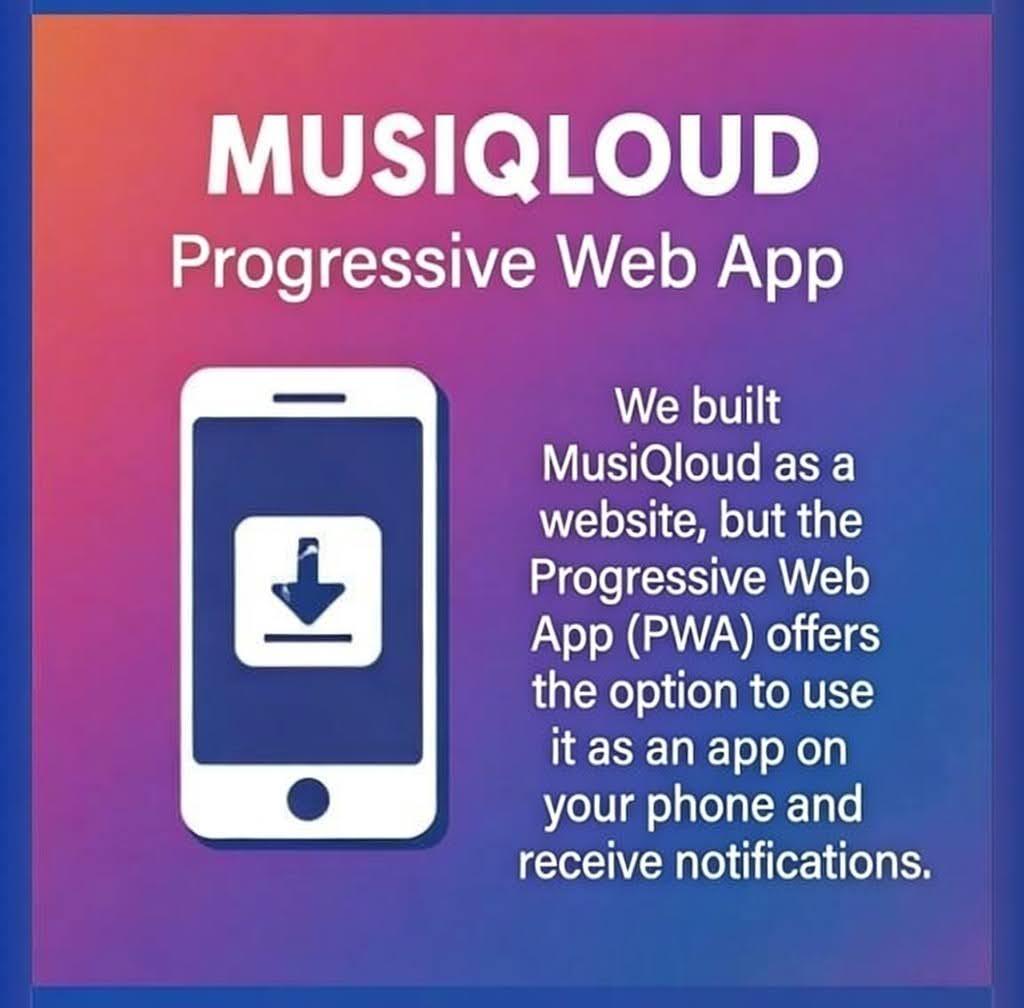
We built MusiQloud as a robust website, which means it is always accessible from any browser and works perfectly on your mobile phone. But we also offer a powerful Progressive Web App (PWA)!
The PWA gives you the option to install MusiQloud directly on your phone, making it feel like a native app, but much more flexible and faster.
📱 The Magical Benefits of the PWA
- ✅ Full App Experience: Add MusiQloud to your home screen, where it functions perfectly with its own icon.
- 🔔 Direct Notifications: Receive notifications directly on your phone, so you never miss a message or update.
- ✨ Always Up-to-Date: No hassle with updates! The PWA always runs the latest version, without downloads from the App Store.
- 🚀 Offline Support: A better and faster experience, even with a shaky internet connection.
⬇️ Installation in 4 Steps (Super Fast!)
- Open MusiQloud in your phone's browser (Chrome or Safari).
- Look for the Installation icon (usually a download arrow ⬇️) in the address bar or the browser menu (the three dots).
- Tap the icon and confirm the installation ('Add to Home Screen').
- MusiQloud will now appear on your home screen with its own app icon. Ready to use!
📢 P.S. A native app (Android/iOS) is currently very expensive. Until MusiQloud generates more revenue, the PWA is the perfect, budget-friendly, and fast solution! We hope you enjoy it. 😊

 English
 Arabic
 French
 Portuguese
 Deutsch
 Turkish
 Dutch
Dutch
 Italiano
 Russian
 Romaian
 Portuguese (Brazil)
 Greek
Greek